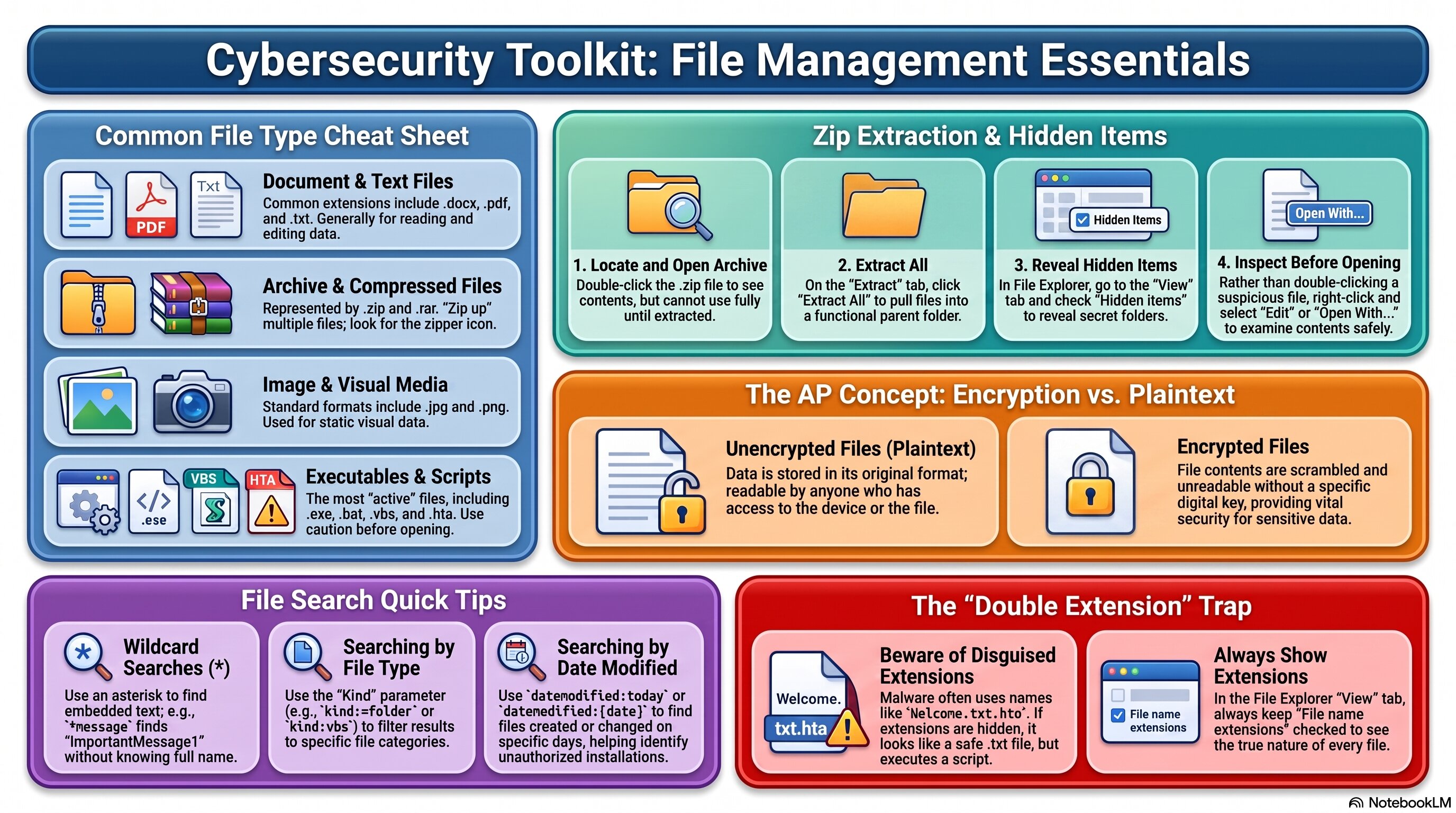
Use this as a quick reference for file types, zip extraction, hidden files, search techniques, and encryption.
🧭 Plot Summary
Before you can secure a system, you need to actually be comfortable moving around inside it. This activity is a hands-on tour of Windows file management — the kind of everyday skill that turns out to matter a lot in cybersecurity, because most attacks eventually come down to a file somewhere: a hidden payload, a leaked archive, a document that should have been encrypted and wasn't.
You'll extract a zip archive, track down files someone tried to hide, and use real search techniques to find exactly what you're looking for. Then you'll encrypt a file yourself — and see, concretely, why storing sensitive information in plaintext is one of the simplest vulnerabilities an adversary can exploit.
What you will do in this lesson
- Explore common file types and what their extensions actually tell you.
- Extract a zip archive and hunt down files someone tried to hide.
- Use file search techniques to track down a specific file fast.
- Encrypt a sensitive file yourself — and see exactly what changes.
- Connect file encryption back to a real vulnerability: unencrypted files.
Why it matters
File management isn't glamorous, but it's foundational — you'll be navigating, searching, and securing files constantly for the rest of this course. And encryption specifically closes one of the most common vulnerabilities in the field.
✅ Self-Check Before You Roll On
Check off each item as you get there. These are not grades — they are your own signal.