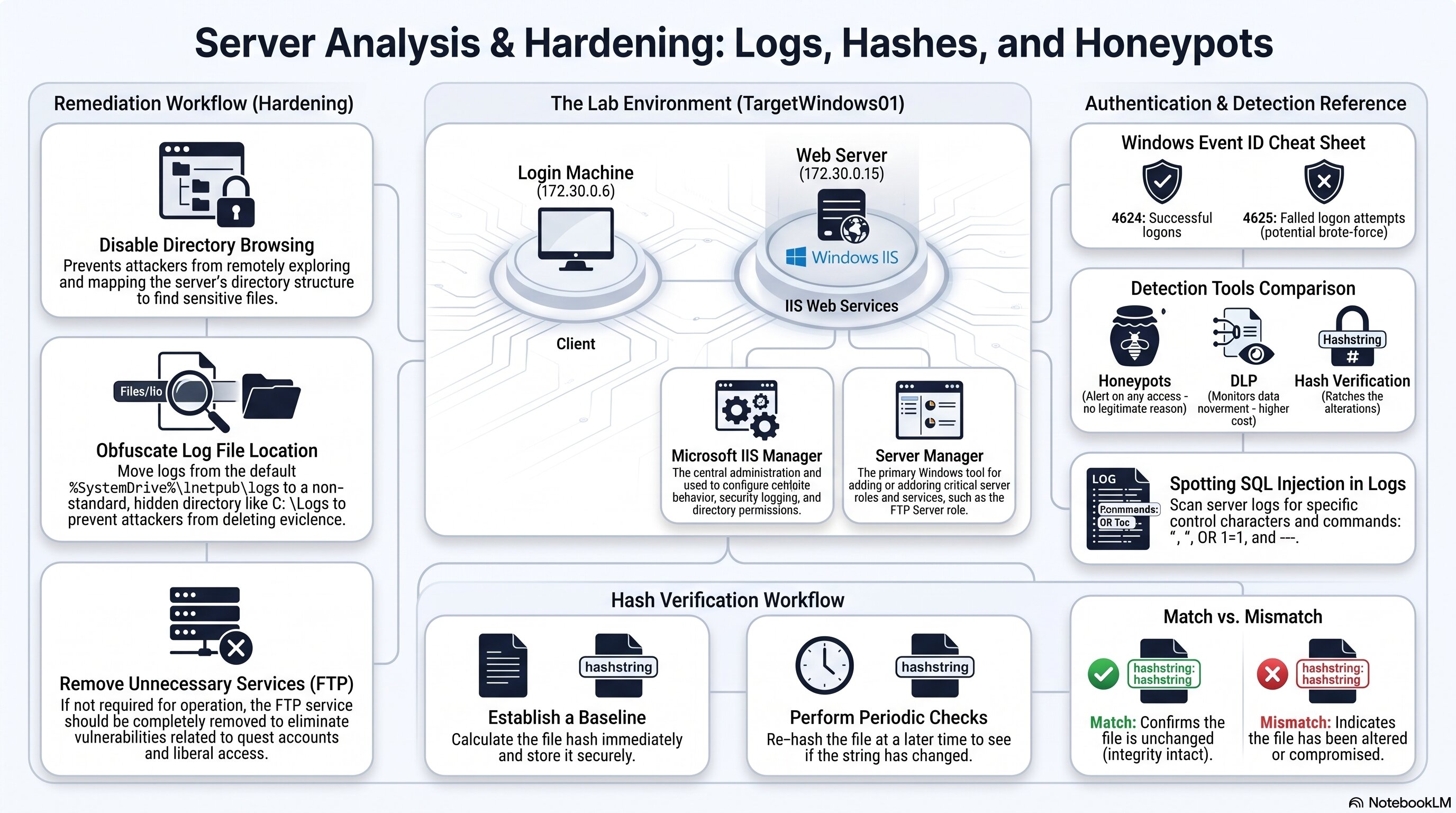
Use this as a quick reference for Event IDs, the hash verification workflow, detection tools, and spotting SQL injection in logs.
🧭 Plot Summary
Everything so far has taught you to recognize an attack. This activity teaches you to investigate one after the fact — reading real server logs, verifying whether files were actually altered, and using detection tools specifically built for catching data-focused attacks.
Windows Event Logs
4624 success · 4625 failure
Hash Verification
Prove a file wasn't altered
Honeypots
Fake bait files that alert on access
DLP Services
Monitor data movement, higher cost
You'll also learn to evaluate detection methods with real tradeoffs in mind — speed, attack phase timing, and false positives versus how easily an adversary can slip past them.
What you will do in this lesson
Read real Windows security logs and identify Event ID 4624 and 4625.
Learn how honeypots and data loss prevention (DLP) tools detect suspicious data activity.
Generate a cryptographic hash for a file and use it to verify the file hasn't been altered.
Evaluate detection methods using speed, attack-phase timing, and false-positive tradeoffs.
Scan a log for the telltale signs of a SQL injection attempt.
Why it matters
This is the first time you'll take a log all the way to a real conclusion about what happened — the exact workflow behind an actual investigation, not just a discussion about detection in the abstract.
✅ Self-Check Before You Roll On
Check off each item as you get there. These are not grades — they are your own signal.