How malware propagates, and the controls that stop it · Approx. 2 class days
StarringDetect → Quarantine → Remove
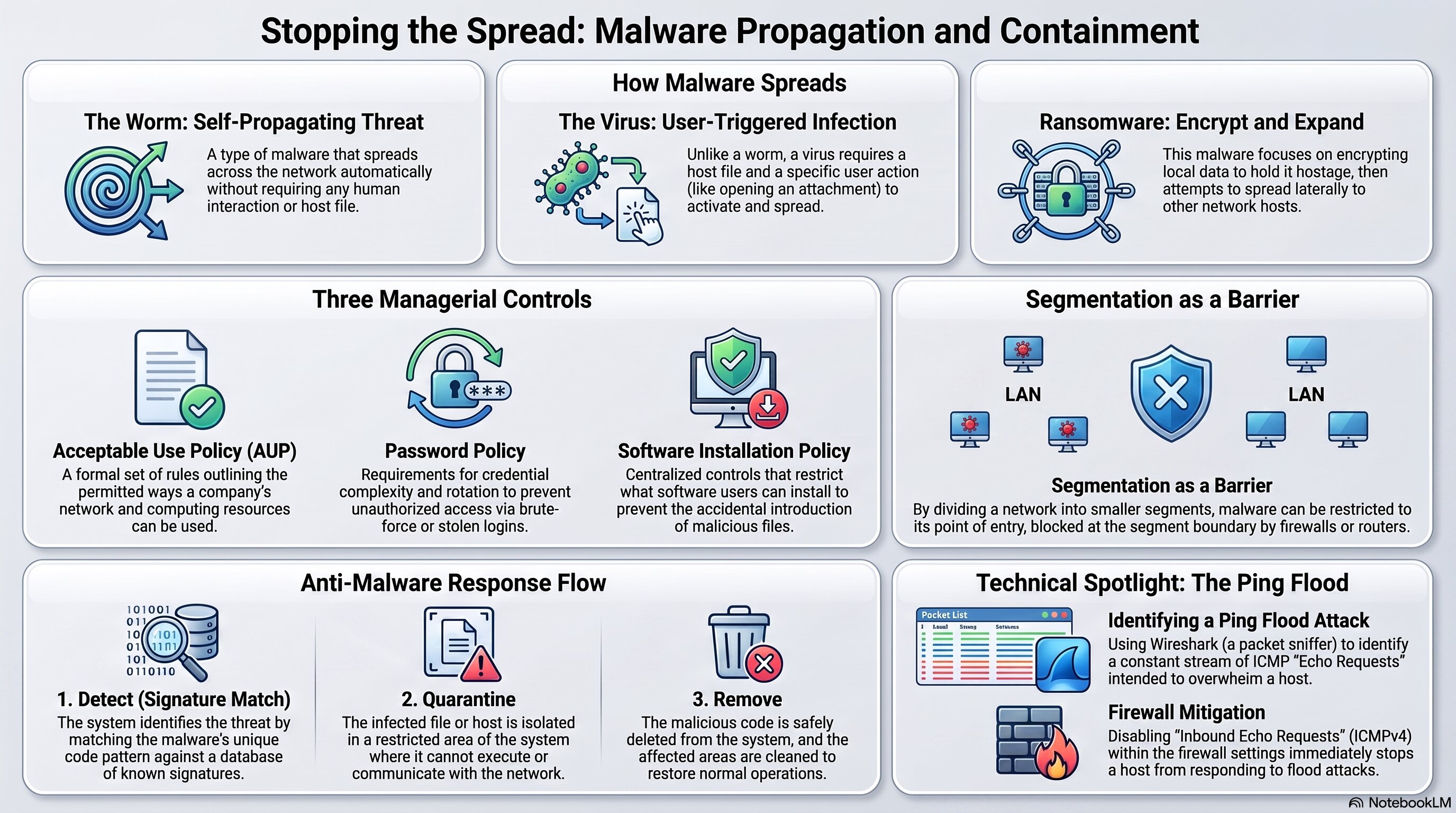
Use this as a quick reference for malware propagation, managerial controls, segmentation as containment, and the anti-malware response flow.
🧭 Plot Summary
You already know what worms, viruses, and ransomware are. This activity asks a different question: once one of them is loose, what actually stops it from spreading everywhere?
Worm
Self-propagates, no user action needed
Virus
Needs a host file and user action
Ransomware
Encrypts, then spreads further
You'll learn three managerial controls — an Acceptable Use Policy, a password policy, and a software installation policy — and connect network segmentation (from the network you designed back in 2.1.3) to actually containing an outbreak once it starts. You'll close with what happens after detection: quarantine and removal.
What you will do in this lesson
Compare how worms, viruses, and ransomware each propagate differently.
Learn three managerial controls that limit malware spread: AUP, password policy, software installation policy.
Connect network segmentation to actually containing an active malware outbreak.
Practice anti-malware response — quarantine and removal — once malware is already detected.
Why it matters
Detecting malware and stopping it from spreading are two different problems. This activity is where segmentation, policy, and technical response finally connect into one containment strategy.
✅ Self-Check Before You Roll On
Check off each item as you get there. These are not grades — they are your own signal.