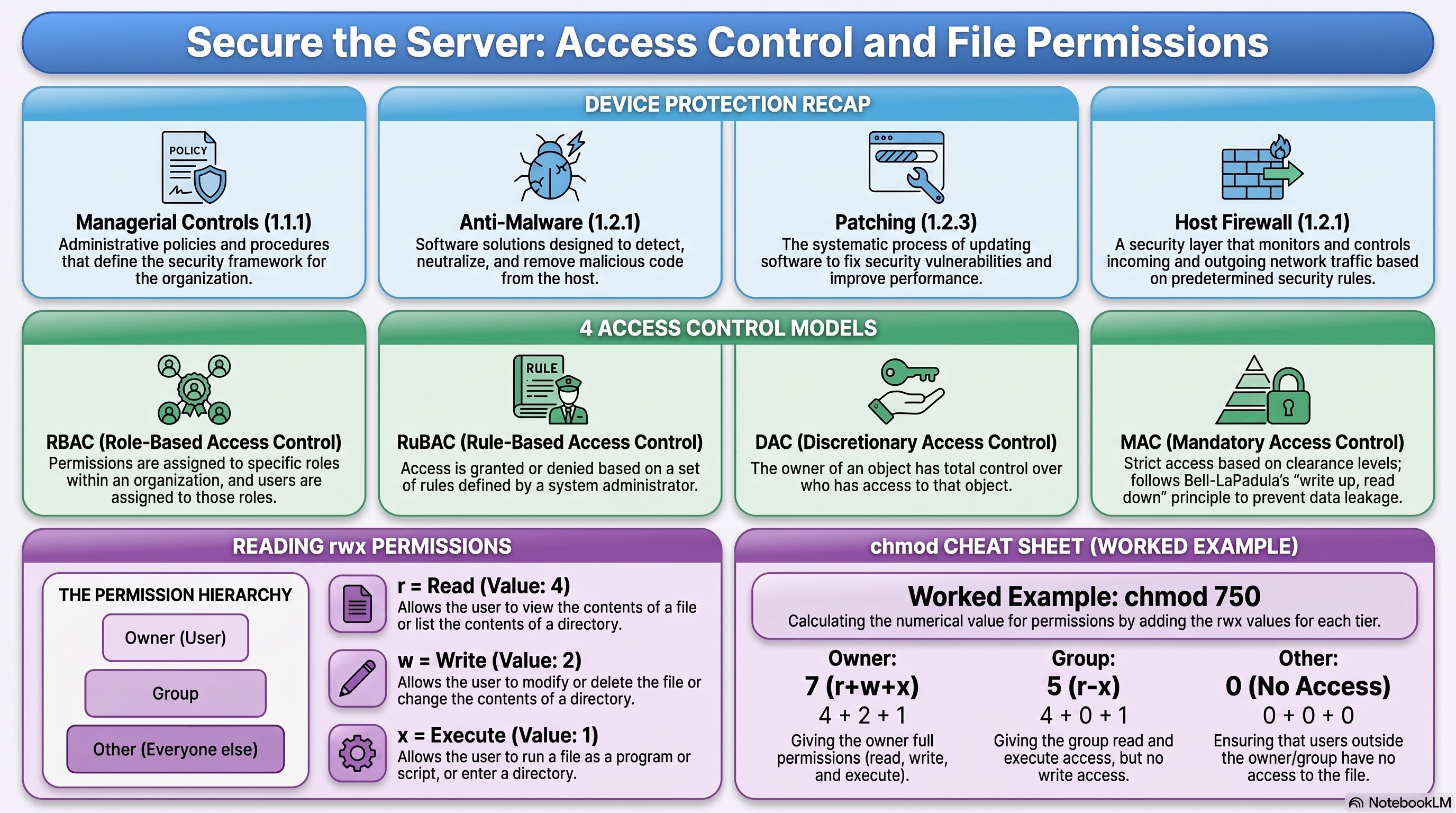
A recap of full device protection, plus the four access control models and a chmod cheat sheet.
🧭 Recap & Application
A real server needs every layer of device protection working together at once — not as separate exercises, but as one coordinated defense. Before anything new, you're applying what you already have:
What's genuinely new is deciding who gets access to what. You'll learn four access control models used across the industry:
Then you'll put access control into practice directly, using chmod to configure real Linux file permissions — deciding exactly who can read, write, or execute each file on your server.
What you will do in this project
- Apply everything you know about device protection — managerial controls, anti-malware, patching, host firewalls — to fully secure a real server.
- Learn four access control models: RBAC, RuBAC, DAC, and MAC.
- Study the Bell-LaPadula model and the principle of least privilege.
- Configure real Linux file permissions using chmod, in both numeric and symbolic form.
- Document every mitigation you apply as you go.
Why it matters
This closes a gap that's been open since 1.2.2 — access control models and chmod are exactly the vocabulary and skill AP Scenario 5A tests directly, and the lockout configuration from AP Scenario 4B fits naturally into this same hardening pass if you haven't done it already.
✅ Self-Check Before You Roll On
Check off each item as you get there. These are not grades — they are your own signal.