Investigate and remediate a compromised machine, documented like a professional · Approx. 2–3 class days
StarringDetect → Respond → Recover → Protect
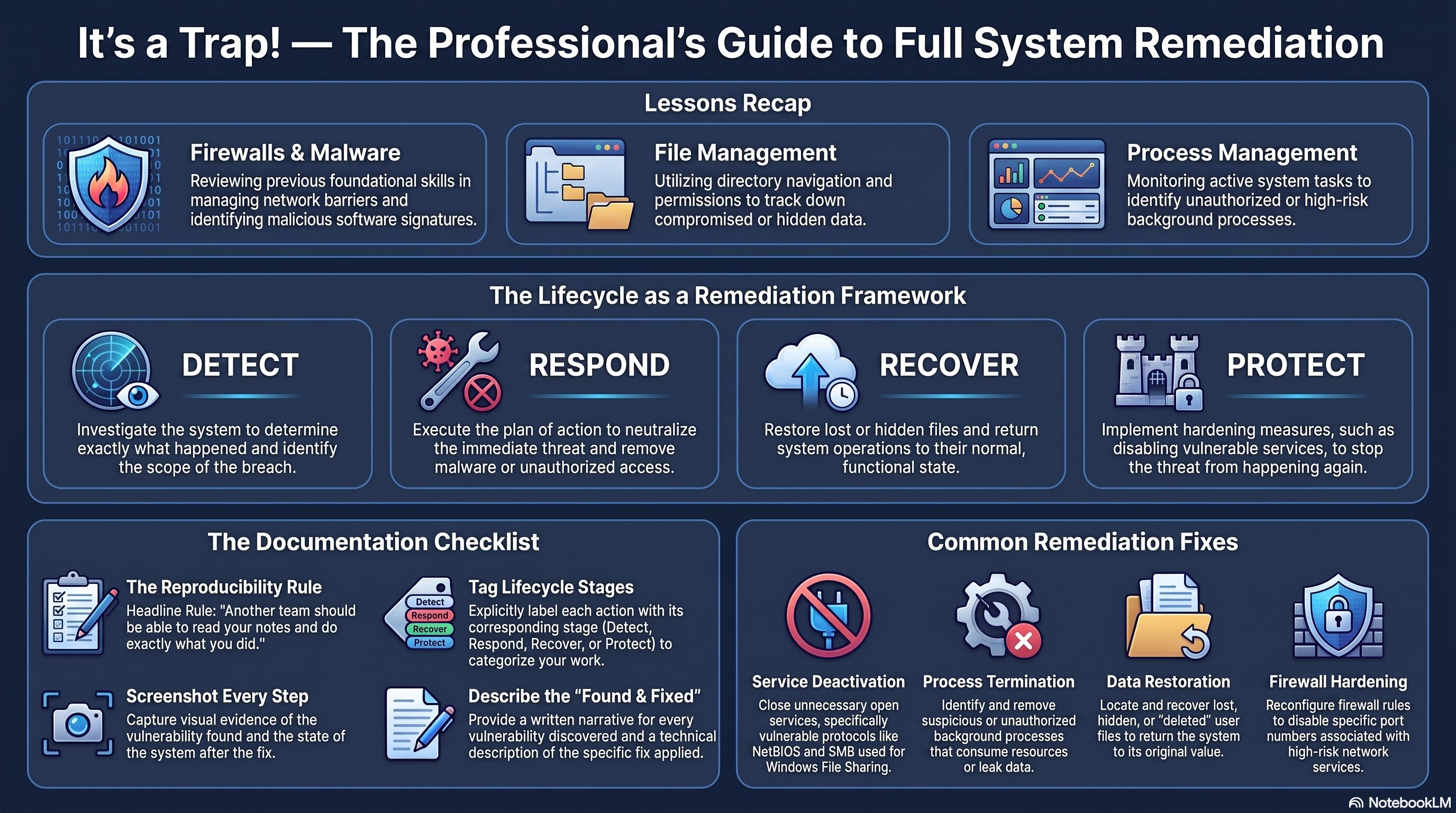
A recap of Activities 1.2.1–1.2.3, the Detect/Respond/Recover/Protect documentation framework, and the standard this project holds you to.
🧭 Recap & Application
Someone's machine has been compromised, and it's your team's job to investigate and fix it — for real, on a live virtual machine. Nothing here is new security knowledge. It's everything from the last three activities, applied at once:
What's genuinely new is how rigorously you'll document it. You'll track every fix against four stages of the Cybersecurity Lifecycle:
DetectRespondRecoverProtect
The standard is high: another team should be able to read your notes and do exactly what you did. That's not a suggestion — it's the actual rubric bar, and it's the same discipline the AP exam rewards.
What you will do in this project
Investigate a compromised virtual machine and build a plan of action before touching anything.
Apply your firewall, malware-removal, and file-recovery skills together on one real investigation.
Document every fix using the Detect → Respond → Recover → Protect Cybersecurity Lifecycle steps.
Build a how-to artifact and present it to another team.
Reflect on your team's collaboration and update your team norms.
Why it matters
This is the first project where mitigating risk is the entire point, not a side effect. Finding the problem is half the job — writing it up so someone else could reproduce your fix is the other half, and it's the half people skip.
✅ Self-Check Before You Roll On
Check off each item as you get there. These are not grades — they are your own signal.